Mexico eSIM guide: networks, coverage beyond the resorts and the new line registry
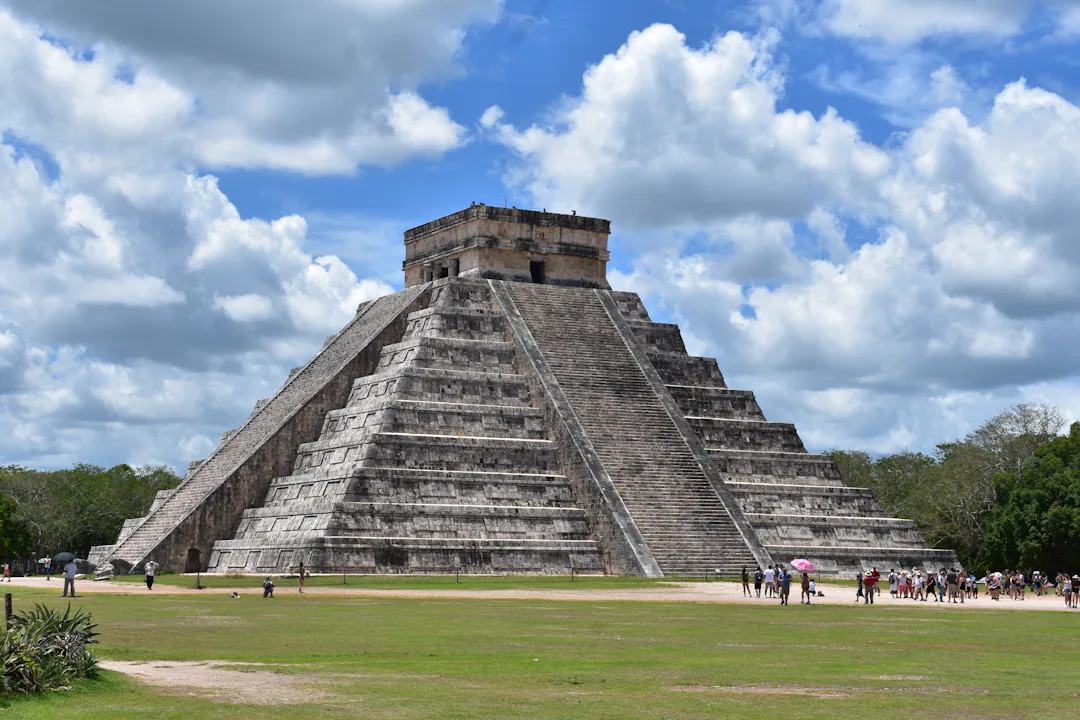
Mexico runs on the phone: WhatsApp messages to tour guides and restaurants, ride apps in the cities, maps through colonial towns and out to ruins and cenotes. A Mexico eSIM gives you that from the moment you land in Mexico City, Cancún or Guadalajara, without hunting for a SIM shop at the airport, and since 2026 without the paperwork a Mexican SIM now involves.
This guide covers Mexico's networks, where coverage is good and where it isn't, the new mobile line registry and what it means for visitors, Wi-Fi, apps and safety, and how much data to take. When you're ready, the eSIM plans for Mexico are on our Mexico page.
Does your own plan cover Mexico?
Coming from the US, check what your plan includes: some cover Mexico, others charge per day, and included roaming can come with a smaller allowance or slower speeds. From the UK or Europe, Mexico is ordinary international roaming at your operator's own rates. Either way, a travel eSIM gives you local data with a clear allowance; you can compare it with roaming first.
Mexico's mobile networks
Telcel runs Mexico's largest mobile network. AT&T México runs the other big one, which Movistar's customers also largely use. Many smaller brands run on Red Compartida, a wholesale network. A travel eSIM connects through a local network, and which one depends on the plan.
Coverage: cities and resorts versus the back country
In the cities, in the resort areas of the Riviera Maya, Los Cabos and the Pacific coast, and along the main highways, coverage is generally good. It gets patchy, or disappears, in mountains and canyons, in jungle around some archaeological sites and cenotes, in remote parts of states such as Chiapas and Oaxaca, and on long desert roads in Baja California.
Before a day trip out of town, download offline maps, your tickets and any directions you'll need, and agree a meeting point with your group in case phones lose signal.
Mexico's mobile line registry: does it affect you?
Since 9 January 2026, every Mexican mobile line, physical SIM or eSIM, has to be linked to its holder: Mexicans with their CURP, foreigners with a passport. Lines that weren't linked by the deadline of 30 June 2026 face suspension. If you buy a Mexican SIM on arrival, expect to register it with your passport.
Visitors using their own foreign line are a different case. During the 2026 World Cup, the regulator, the CRT, said foreigners who keep their foreign line on roaming do not have to register it, and that it would set out how such lines are treated after the tournament. As of November 2026 we haven't found a published rule on that, so check the current situation before you travel. We'll update this guide when the CRT publishes one.
Wi-Fi in Mexico
Hotels, cafés and restaurants in towns usually offer free Wi-Fi, though quality varies. Mexico City runs one of the world's largest free public Wi-Fi networks, with tens of thousands of hotspots in squares, parks and on street poles; it set a Guinness record for it in 2021. Public Wi-Fi is fine for browsing, but avoid banking on it, and don't count on Wi-Fi in rural areas, on the road or at the ruins.
Apps, calls and staying safe
- WhatsApp is how many hosts, tour operators and restaurants communicate. It works over the eSIM's data, and you can keep WhatsApp on your own number.
- Taxis and ride apps: ride-hailing apps work in many cities. GOV.UK advises using licensed "sitio" taxis from authorised ranks or ones ordered by your hotel, and only authorised pre-paid taxis at airports. It also reports protests by taxi drivers against Uber near Cancún's hotels.
- Emergencies: 911 is the emergency number nationwide. The Ángeles Verdes, the tourism ministry's free roadside assistance on federal highways, answer on 078. The eSIM has no phone number of its own, so keep your home SIM switched on as a second line for calls.
- Earthquakes: GOV.UK notes that the 911 CDMX app can warn of earthquakes in Mexico City shortly before shaking starts, but that it only works with local phone numbers.
If you have an iPhone 14 or later on iOS 18.4 or later, Apple's Emergency SOS via satellite is available in Mexico and can text 911 where there is no mobile or Wi-Fi signal.
How much data do you need in Mexico?
It depends on how you use your phone. Maps, ride apps, WhatsApp and translation use relatively little; social media with lots of video uses much more. As a rough guide:
- Light use: maps, messaging, ride apps and some browsing.
- Moderate use: add social media with photos and short videos, and the odd video call.
- Heavy use: streaming, uploading lots of video, or sharing your connection with a laptop. HD video can use a gigabyte or more an hour.
The app shows your usage, tells you when data runs low and when the plan ends soon, and where the plan allows it you can top up in the app. It says before you buy whether a plan can be topped up.
Choosing a Mexico eSIM plan
- Mexico only: a Mexico plan is the simple choice.
- Mexico and the US: a regional plan may cover both; check the countries in the app, or add a separate USA plan.
- Onward through Latin America: a regional plan may cover several countries on your route. Check which ones in the app.
- A trip of a set length: some destinations have day passes, data for the number of days you choose. The app shows whether one is offered.
Every price in the app is the final price, VAT included, and you can pay by card or Google Pay.
Setting up before you fly
Your plan's validity starts when the eSIM first connects to a network in Mexico, so installing it at home starts nothing. Do it a few days ahead, on Wi-Fi, before the install deadline the app counts down with reminders.
- Check that your phone supports eSIM and isn't locked to your operator.
- Install the eSIM (iPhone or Android) and label the line, for example "Mexico".
- Keep your home SIM as the line for calls and texts, and turn off its data roaming.
- When you land, switch mobile data to the eSIM, and turn on data roaming for the eSIM line if the app's instructions say so.
Before you fly to Mexico
- Choose a Mexico plan or a regional plan that fits your route.
- Install the eSIM at home before its install deadline.
- Download offline maps for day trips to ruins, cenotes and the countryside.
- Save your hotel's address and number for taxis and emergencies.
- Check the latest on the line registry if you plan to buy a Mexican SIM.
Something not working? Tap "Mail us" in the app and we'll answer by e-mail.
Frequently asked
Do I have to register my phone in Mexico?
If you buy a Mexican SIM, yes: since January 2026 every Mexican line must be linked to its holder, and foreigners register with a passport. For foreign lines on roaming, the regulator said during the 2026 World Cup that registration wasn't needed and that it would set rules for afterwards. As of November 2026 we found none published, so check before you travel.
Which mobile networks are there in Mexico?
Telcel runs the largest network and AT&T México the other big one, which Movistar's customers also largely use. Many smaller brands use the wholesale Red Compartida network. Coverage is generally good in cities, resorts and on main highways, and patchy in mountains, jungle and remote rural areas.
Can I call 911 or the Ángeles Verdes with a data-only eSIM?
Use your home line for that. The eSIM has no phone number, so keep your home SIM switched on as a second line for calls to 911 or the Ángeles Verdes on 078. iPhone 14 or later on iOS 18.4 or later can text 911 by satellite in Mexico when there is no signal.
Is there free Wi-Fi in Mexico?
In towns, most hotels, cafés and restaurants have it, and Mexico City has tens of thousands of free public hotspots. Quality varies, and outside the towns you'll rarely find it, so rely on mobile data for maps and ride apps.
Does my Mexico plan start when I install it?
No. Validity starts when the eSIM first connects to a network in Mexico. Install it at home on Wi-Fi before the install deadline shown in the app.